A clean camera roll in a few swipes.
Keep the gems, ditch the junk — free and unlimited. Cullify's on-device AI sorts the rest, and not a single photo ever leaves your iPhone.
Swipe. Confirm. Done.
A swipe never deletes on its own — you stay in control the whole way through.
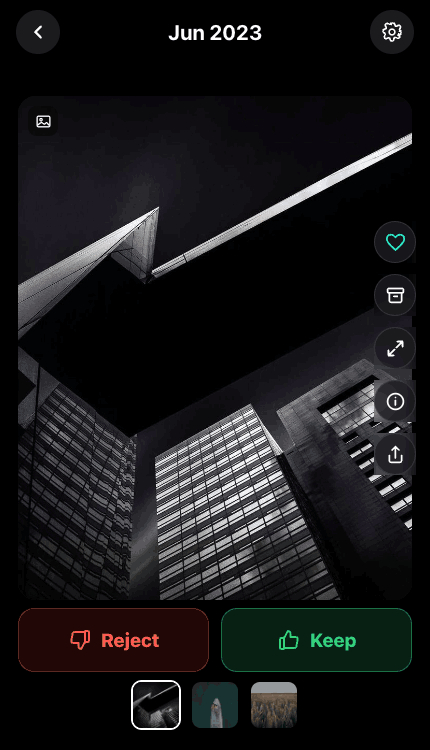
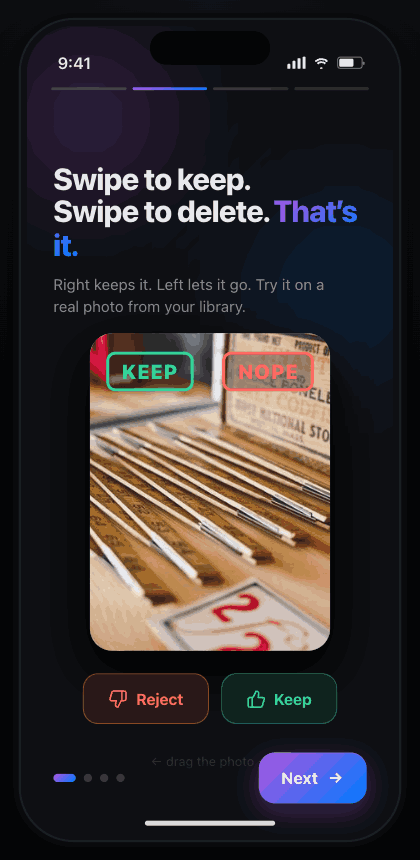
Swipe to decide
Right keeps it, left lets it go. Fly through your camera roll one photo at a time — free, with no daily limits.
Confirm the rejects
Everything you swiped away waits in a review queue. Nothing is deleted until you look it over and confirm.
Recover any time
Confirmed deletes go to Apple's Recently Deleted — recoverable for 30 days. Your progress saves as you go.
One small app. The whole job.
The free culling flow is just the start. Pro adds on-device intelligence — without ever sending your library anywhere.
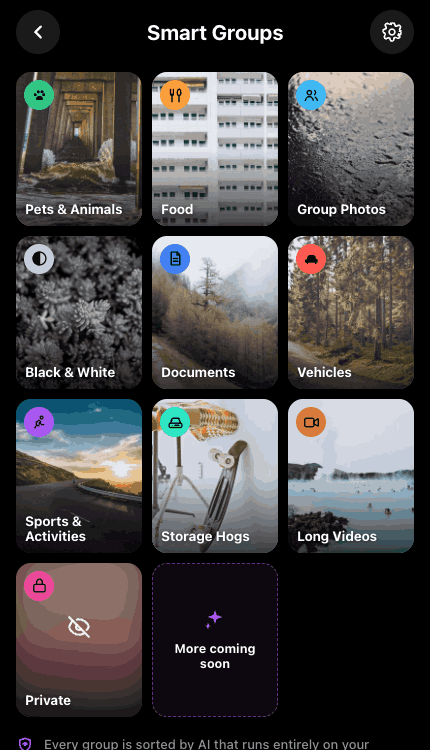
Smart Groups
Animals, people, documents, vehicles, food & more — grouped automatically, on-device.
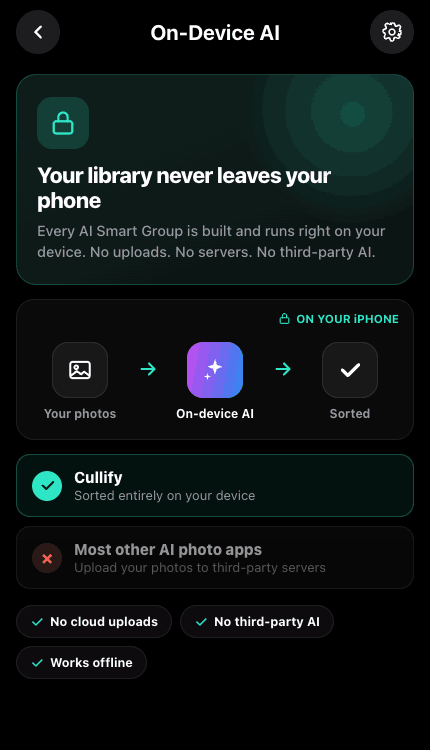
Every bit of analysis runs on-device with Apple's frameworks. No cloud, no uploads, no tracking — ever.
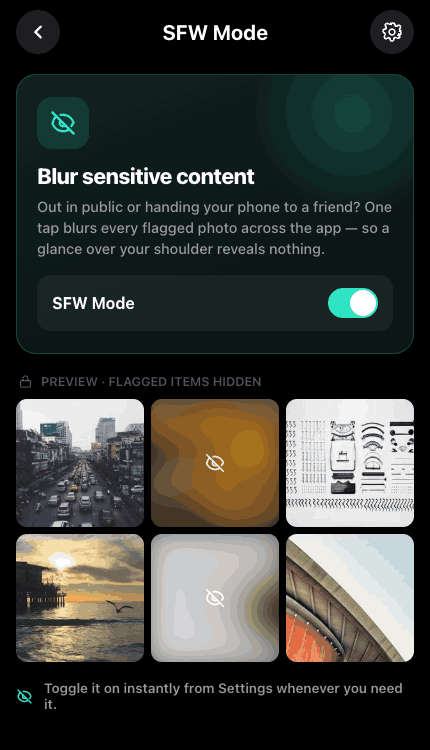
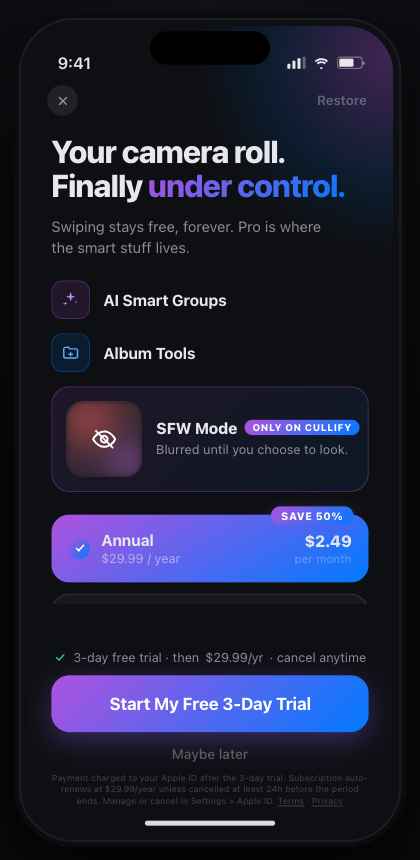
SFW Mode
Blur sensitive photos while you sort — anywhere.
Free, unlimited swipe
Keep or delete, one swipe at a time — no daily caps.
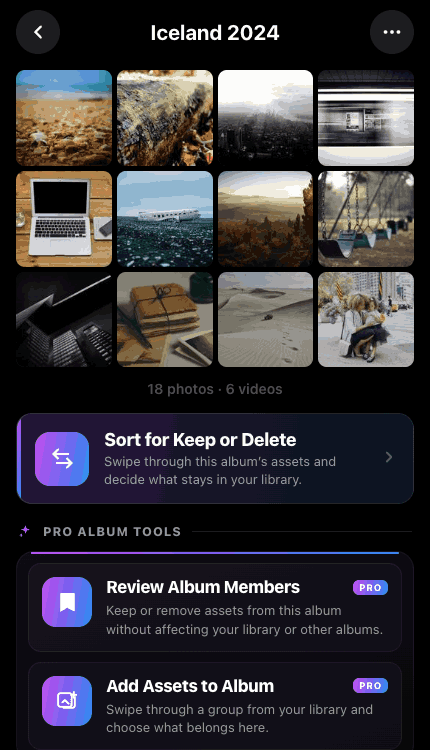
Album tools
Create, rename and sort albums without leaving Cullify.
Nothing gets lost
A swipe never deletes on its own. Rejects wait in a review queue you confirm, and deletes go to Recently Deleted — 30 days to change your mind.
It looks as good as it works.
The only one that does all of it.
Other cleaners each handle a slice. Cullify is the single app with the full set — and the only all-✓ column.
| Cullify | Picnic | Swipewipe | Clever Cleaner | |
|---|---|---|---|---|
| Free swipe culling, no daily limits | ||||
| On-device AI Smart Groups | ||||
| Photos never leave your device | ||||
| Recently-Deleted safety (30-day undo) | ||||
| Full album management | ||||
| Sensitive-photo blur (SFW Mode) | ||||
| Home & Lock Screen widgets |
Private by design. Safe by default.
Two things we will never get wrong: where your photos go, and what gets deleted.
Free to start. Pro when you're ready.
Culling is free forever. Pro unlocks the on-device power tools with a 3-day free trial.
- Unlimited swipe-to-keep-or-delete
- Sort by month, recents & media type
- Calendar view, favorites & sharing
- Large-file & long-video round-ups
- Recently-Deleted safety + saved progress
- Everything in Free
- Smart Groups — on-device AI sorting
- Full album management (create, rename, sort)
- SFW Mode — blur sensitive photos
- Priority background scanning
Start with a clean camera roll.
Free on the App Store. iPhone, iOS 18 and up. Your first subscription starts with a 3-day free trial.
Questions, bugs, or ideas?
Report a bug, suggest a feature, or just say hi — we read every message. You can also email support@cullify.app.